BitcoinWorld
Google Workspace AI Revolution: How Gemini Becomes Your Indispensable Office Assistant
At the Google Cloud Next event in San Francisco this week, Google unveiled a sweeping set of AI-driven updates to its Workspace suite, fundamentally repositioning artificial intelligence not as a novelty, but as an integral, proactive partner in daily professional tasks. The core announcement, Workspace Intelligence, represents a strategic push to embed AI deeply into the fabric of work, automating routine processes from email drafting to complex data organization. Consequently, these changes signal a major shift in how productivity software is designed and used, aiming to delegate administrative burdens and amplify human creativity.
Introducing Workspace Intelligence: The Central AI Nervous System
Workspace Intelligence functions as a new, unified AI layer across Google’s ecosystem. Significantly, this system is designed to learn from a user’s existing data within Gmail, Calendar, Chat, Drive, Docs, Slides, and Sheets. However, Google emphasizes user control. Administrators and individual users can precisely manage which data sources the AI can access, with a clear understanding of the trade-off: broader access enables more personalized and comprehensive assistance. This architecture addresses growing privacy concerns while promoting utility. For instance, if granted access, the AI could review calendar invites and related email threads to automatically generate meeting summaries in Docs.
Key aspects of Workspace Intelligence include:
- Context-Aware Automation: The system uses cross-application data to understand workflow context.
- Granular Privacy Controls: Users can disable access to specific apps like Gmail or Drive at any time.
- Proactive Assistance: It moves beyond simple commands to suggest actions based on work patterns.
Gemini Transforms Google Sheets from Tool to Collaborator
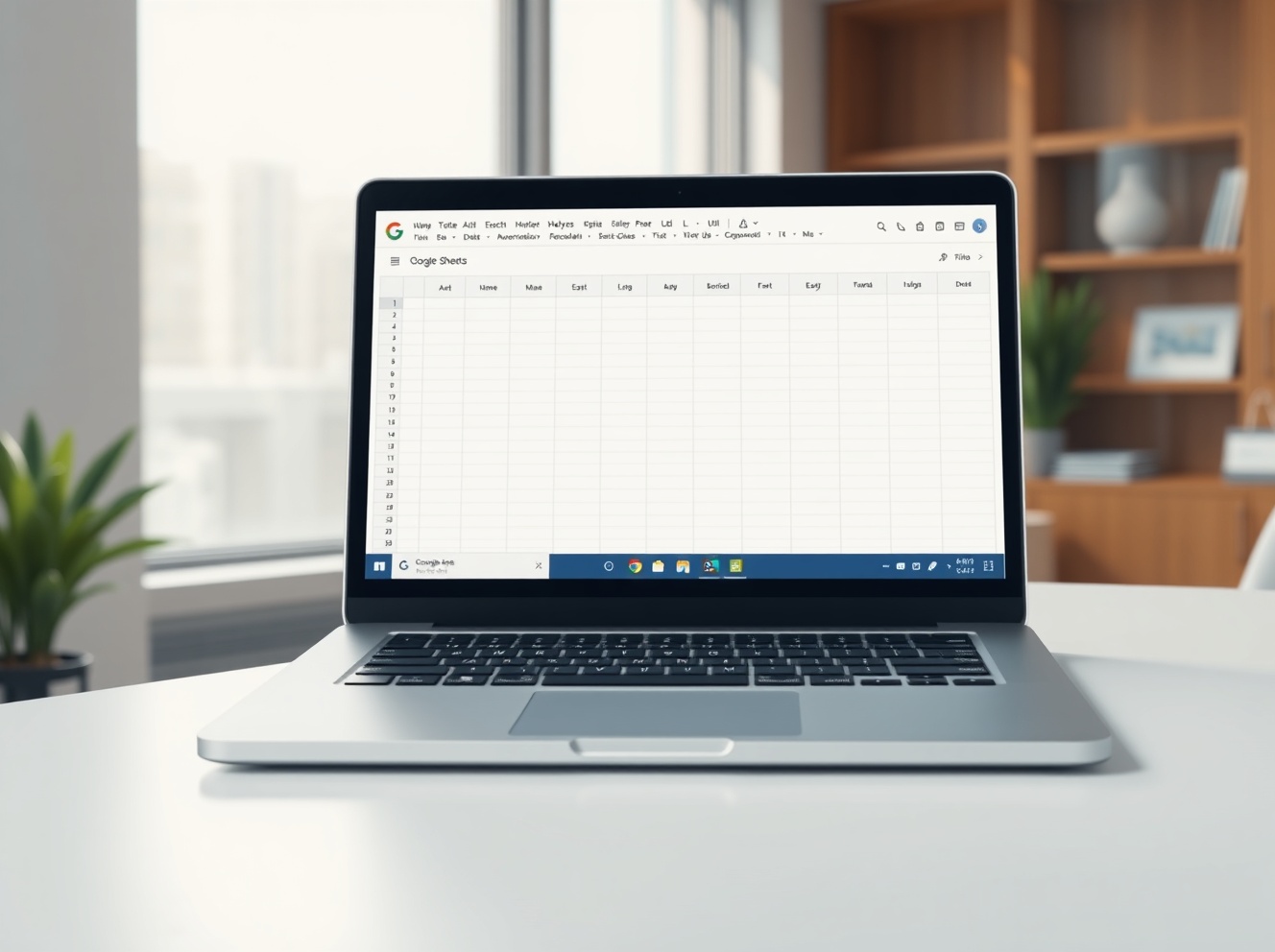
Perhaps the most tangible changes appear in Google Sheets, where Gemini’s integration redefines spreadsheet management. Users can now construct entire sheets through natural language prompts. For example, a prompt like “create a project budget sheet for Q3 with columns for expenses, forecasts, and actuals” can generate a formatted template. Furthermore, the new “prompt-based” filling feature claims to accelerate data entry by nine times. The AI analyzes existing data patterns to infer and populate subsequent cells. Another powerful addition is the ability to convert pasted unstructured data—like text from a report—into a clean, organized table automatically.
| New Sheets Feature |
Function |
User Benefit |
| Prompt-to-Sheet |
Generates formatted spreadsheets from text descriptions. |
Saves hours of manual setup and formatting work. |
| AI Data Entry |
Infers and fills data patterns automatically. |
Dramatically reduces repetitive typing errors. |
| Data Structuring |
Transforms unstructured text into organized tables. |
Eliminates tedious manual data cleaning. |
The Enterprise AI Arms Race Heats Up
This aggressive update is a direct move in the intensifying competition for the enterprise software market. Microsoft, with its Copilot for Microsoft 365, has been aggressively marketing similar AI integrations. Apple and various startups are also advancing their own productivity suites. Google’s distinct advantage lies in Workspace’s existing, massive install base in businesses and educational institutions worldwide. Therefore, these AI upgrades deploy into a ready-made environment, potentially accelerating adoption. The overarching trend is clear: tech giants are betting that the most convenient, time-saving AI tools will win lucrative enterprise contracts.
AI Writing Tools in Docs: Your Editorial Co-Pilot
Google Docs receives a substantial upgrade with new AI writing capabilities powered by the broader Workspace Intelligence system. Users can now prompt Gemini to generate, refine, or rewrite text. Importantly, the tool can be instructed to “match” a user’s unique writing style by analyzing their past documents and emails, enabling it to mimic their voice for consistent communication. This feature draws not only from a user’s private Workspace data but can also pull relevant, verifiable information from the web to assist in drafting reports or proposals. The goal is to handle the initial heavy lifting of composition, allowing the human writer to focus on strategy, nuance, and final polish.
Conclusion
Google’s latest Workspace evolution marks a pivotal moment where AI transitions from a standalone tool to a pervasive, assistive layer within core productivity applications. The introduction of Workspace Intelligence and deeper Gemini integration across Sheets and Docs is designed to reduce the volume of routine, repetitive tasks that constitute “busy work.” Ultimately, this shift promises to reshape professional workflows, but its success will hinge on user trust in data handling, the reliability of AI outputs, and how effectively these tools integrate into complex real-world projects. As the battle for the AI-powered office intensifies, Google is leveraging its entrenched position to set a new standard for intelligent, automated work.
FAQs
Q1: What is Google Workspace Intelligence?
Workspace Intelligence is a new, unified AI system built into Google Workspace. It uses data from your Gmail, Drive, Calendar, and Chat to provide automated, context-aware assistance across tasks like drafting, summarizing, and organizing.
Q2: Can I control what data the Google Workspace AI accesses?
Yes. Google provides administrative and user-level controls to disable Workspace Intelligence’s access to specific applications like Gmail or Drive. Access can be modified at any time.
Q3: How does Gemini help with Google Sheets?
Gemini can now generate entire spreadsheet templates from text prompts, automatically fill in data by recognizing patterns (claimed to be 9x faster), and convert unstructured text into clean, organized tables.
Q4: Does the AI writing tool in Google Docs copy my style?
The “match” feature allows Gemini to analyze your past writing in Docs and Gmail to learn and approximate your unique writing style, helping it generate text that sounds more like you.
Q5: How does Google’s AI update compare to Microsoft’s Copilot?
Both aim to deeply integrate AI into productivity suites. Google’s strength is its existing widespread adoption of Workspace. The competition focuses on which platform offers more intuitive, reliable, and context-aware automation for complex professional workflows.
This post Google Workspace AI Revolution: How Gemini Becomes Your Indispensable Office Assistant first appeared on BitcoinWorld.